2FA vs SMS: Use Authenticator Apps Instead
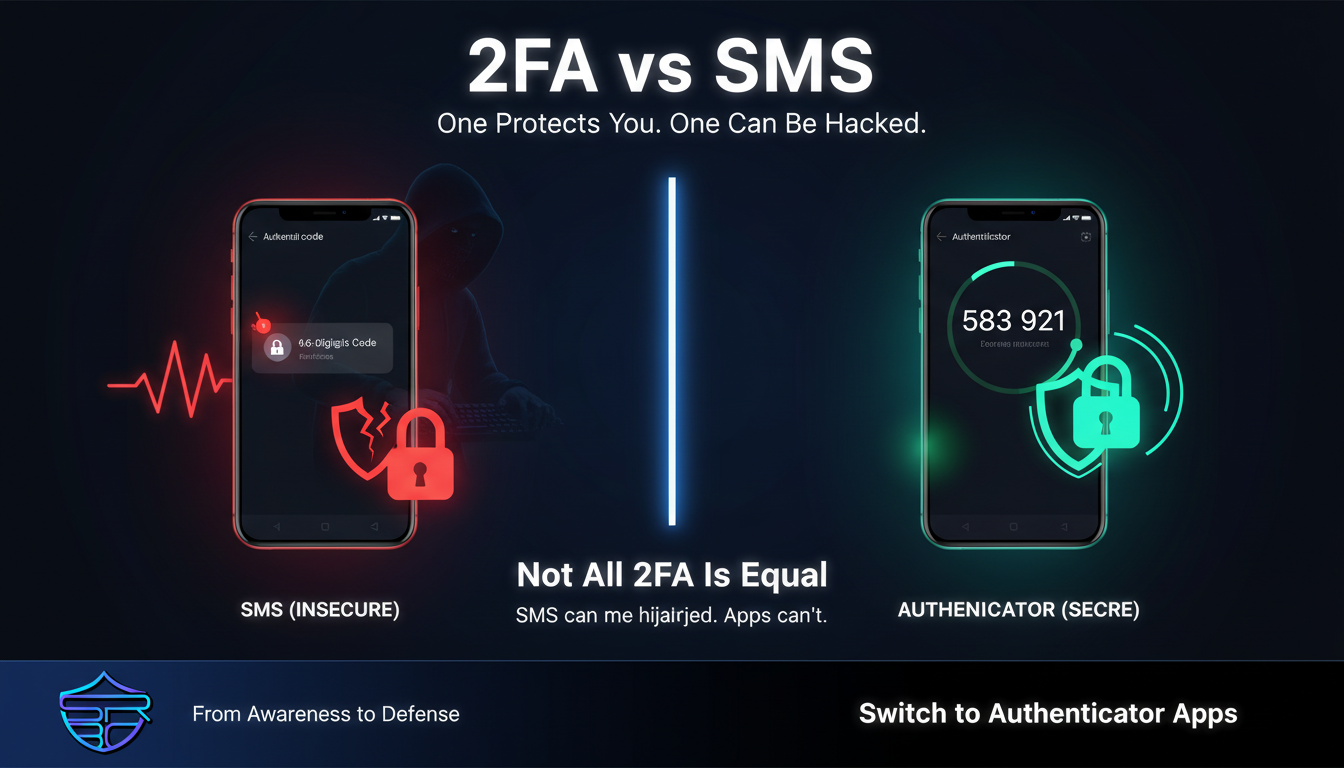
🔐 2FA vs SMS: Use Authenticator Apps Instead
You enabled Two-Factor Authentication (2FA).
That’s a great step.
But if you’re still using SMS codes, your accounts may not be as secure as you think.
⚠️ Not All 2FA Is Equal
2FA adds a second layer of protection beyond your password.
But the type of 2FA you use matters.
Some methods are strong.
Others can be bypassed.
📱 The Problem with SMS-Based 2FA
SMS 2FA sends a one-time code to your phone number.
While convenient, it has serious weaknesses:
🔄 SIM Swapping
Attackers can trick telecom providers into transferring your phone number to their SIM card.
Once successful:
- They receive your SMS codes
- They reset your accounts
- You lose access
📡 SMS Interception
SMS messages are not fully secure.
Attackers may intercept them through:
- Network vulnerabilities
- Malware on your device
🛡️ The Better Alternative: Authenticator Apps
Authenticator apps generate codes directly on your device.
Advantages:
- No SIM card involved
- No reliance on mobile network
- Much harder to intercept
Popular options include:
- Google Authenticator
- Microsoft Authenticator
- Authy
🔑 Even Stronger: Hardware Security Keys
For maximum protection, you can use hardware-based authentication.
Benefits:
- Requires physical access
- Extremely difficult to hack remotely
- Used by security professionals
⚖️ Quick Comparison
| Feature | SMS 2FA ❌ | Authenticator App ✅ |
|---|---|---|
| SIM Swap Risk | High | None |
| Network Dependency | Yes | No |
| Interception Risk | Possible | Very Low |
| Security Level | Basic | Strong |
🧠 Final Thoughts
Using SMS 2FA is better than no protection at all.
But in today’s threat landscape:
Basic security is no longer enough.
Switching to authenticator apps can significantly reduce your risk.
🚀 Stay Secure
Take a few minutes today:
- Enable an authenticator app
- Secure your important accounts first
Follow ASRBD (Advanced Security Researchers Bangladesh) for more practical cybersecurity insights.
Stay aware. Stay secure.