Secure Facebook & Social Apps in 5 Minutes
Secure Facebook & Social Apps in 5 Minutes
🔐 Secure Social Media in 5 Minutes
You use social media every day.
But is it secure?
Platforms like Facebook, Instagram, and others store your:
- Personal data
- Conversations
- Photos
- Business communications
If not configured properly, your profile becomes an easy target.
⚠️ Why Social Media is Risky
Hackers don’t always hack systems.
They exploit:
- Weak privacy settings
- Public information
- Connected third-party apps
Your account can become a data source for attacks.
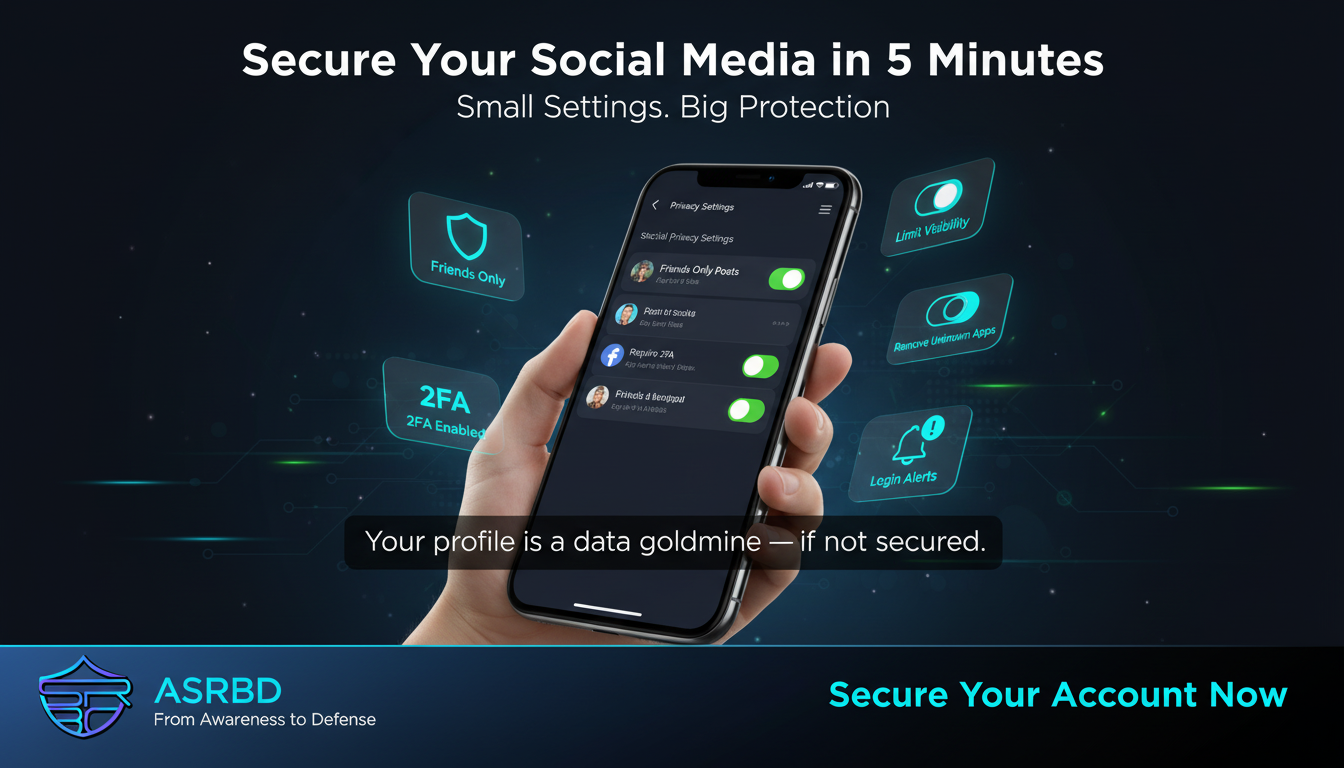
🔍 Step 1: Lock Your Profile
Set your account visibility properly.
- Set posts to Friends Only
- Hide your friends list
- Limit who can see your contact info
🔄 Step 2: Review Past Posts
Old posts may expose sensitive data.
- Remove or restrict old content
- Use “Limit Past Posts” option
🔗 Step 3: Remove Unused Apps
Check connected apps:
Settings → Apps & Websites
- Remove unknown apps
- Delete unused connections
These apps may access your data.
🔑 Step 4: Enable Strong Security
Add extra protection:
- Enable Two-Factor Authentication
- Turn on login alerts
📍 Step 5: Control Discoverability
Limit how others find you:
- Disable search by phone number
- Disable search by email
- Turn off public indexing
🧠 Final Thoughts
Security is about small actions.
A few settings can:
- Prevent account takeover
- Protect your identity
- Secure your personal and business data
🚀 Stay Secure
Take 5 minutes today and secure your accounts.
Follow ASRBD (Advanced Security Researchers Bangladesh) for more cybersecurity awareness and practical defense tips.
Stay aware. Stay secure.
This post is licensed under
CC BY 4.0
by the author.