Day 4: Two-Factor Authentication (2FA) – Add a Second Layer of Security
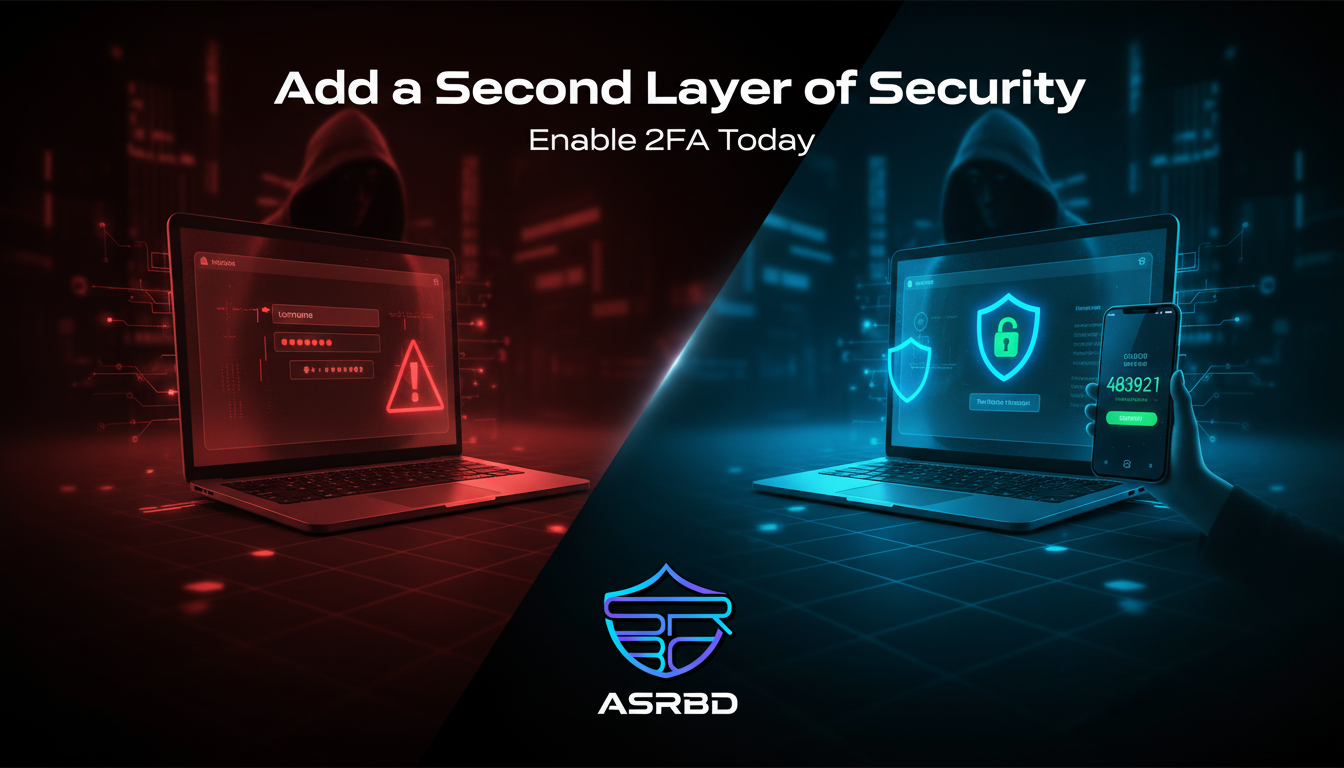
🔐 What is Two-Factor Authentication (2FA)?
Two-Factor Authentication (2FA) is a security method that adds an extra layer of protection to your online accounts. Instead of relying only on a password, it requires a second step to verify your identity.
This second step can be:
- A one-time code sent to your phone
- A code generated from an authenticator app
- A fingerprint or face scan
In simple terms, even if someone steals your password, they still cannot access your account without the second verification.
⚠️ Why Passwords Alone Are Not Enough
After phishing attacks (like you learned in Day 3), attackers often gain access to your password. If your account only depends on a password, it becomes easy for them to break in.
This is where 2FA becomes critical.
It acts as a second lock on your account.
🧠 How 2FA Works
When you try to log in:
- You enter your username and password
- The system asks for a second verification
- You provide a code or approve a request
- Access is granted only after both steps are correct
This extra step makes unauthorized access extremely difficult.
🔑 Common Types of 2FA
1. SMS-Based Codes
You receive a one-time code via SMS.
2. Authenticator Apps
Apps like Google Authenticator or Authy generate secure time-based codes.
3. Biometric Verification
Fingerprint or facial recognition used as a second factor.
4. Hardware Security Keys
Physical devices that must be connected to log in.
🛡️ Best Practices for Using 2FA
- Enable 2FA on all important accounts (email, banking, social media)
- Prefer authenticator apps over SMS when possible
- Never share your verification codes
- Save backup codes in a secure place
- Keep your phone and devices protected
🚨 Common Mistakes to Avoid
- Using SMS only when better options are available
- Ignoring 2FA setup prompts
- Entering codes on suspicious or phishing websites
- Not saving backup recovery codes
📌 Why 2FA is Important
2FA significantly reduces the risk of account hacking. Even if attackers get your password through phishing or data leaks, they still cannot log in without the second factor.
It is one of the simplest and most effective ways to protect your digital identity.
🧾 Final Thoughts
Cybersecurity is about layers. Passwords are the first layer, but they are not enough on their own.
Two-Factor Authentication adds a powerful second layer that keeps attackers out.
Take a few minutes today and enable 2FA on your accounts.
If You Ever Missed Our 30 Days Cybersecurity Awareness Program Starting Then Start From Day 1
Day 1: Cybersecurity Awareness in 2026
📣 About ASRBD
Advanced Security Researchers Bangladesh (ASRBD) is working to build cybersecurity awareness and develop a safer digital environment for everyone.
Follow ASRBD for daily cybersecurity knowledge and practical safety tips.
Stay secure. Stay aware.