Day 19 - Data Privacy & App Permissions
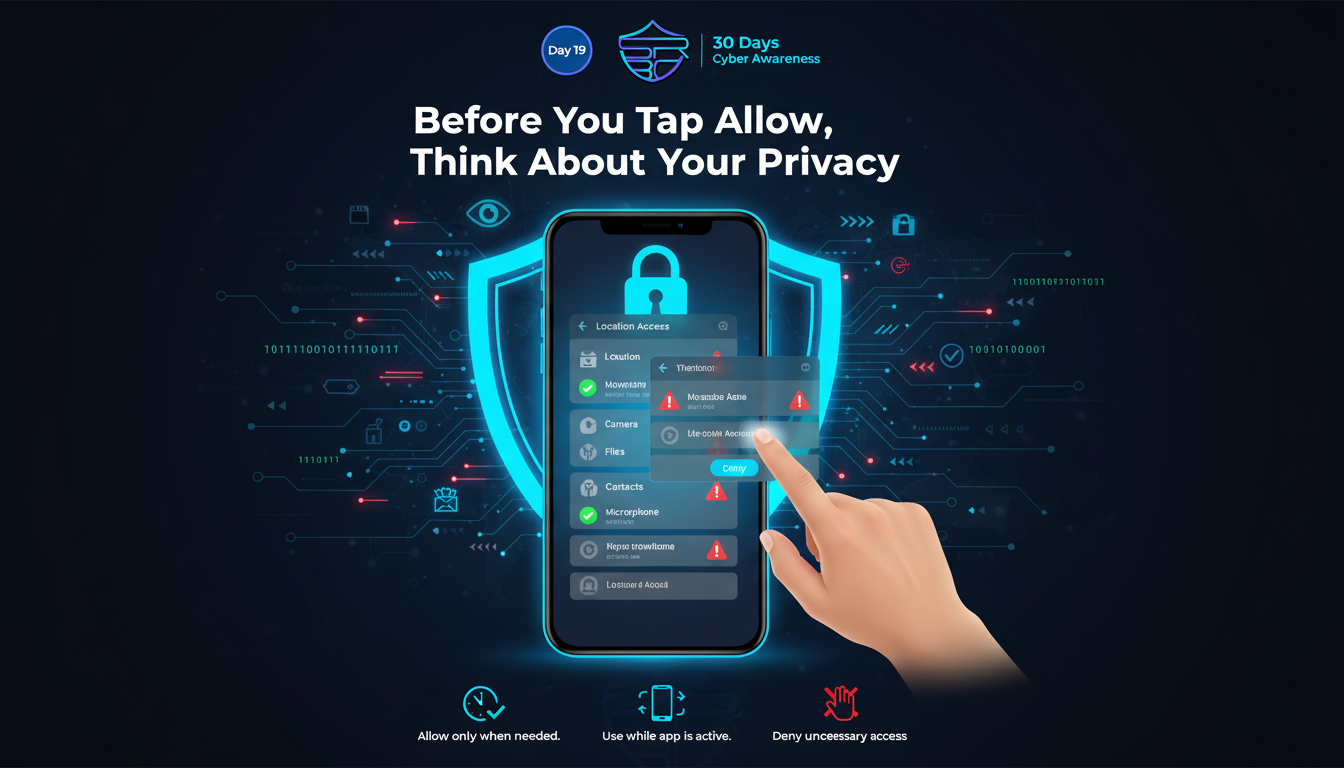
Data privacy starts with one simple habit: checking what your apps can access.
Many mobile and desktop apps request permissions for camera, microphone, contacts, location, storage, SMS, and files. While some permissions are necessary, many apps ask for more access than they actually need. Unnecessary permissions can expose your personal data, track your behavior, or even create privacy risks.
Why App Permissions Matter
Every permission you allow gives an app a level of trust.
For example:
- A flashlight app should not need your contacts
- A photo editor may need storage access, but not your microphone
- A weather app may need location, but only while using the app
- A game app usually should not request SMS permissions
Granting excessive permissions can lead to:
- Personal data collection
- Background location tracking
- Unauthorized microphone or camera usage
- Contact list harvesting
- Privacy invasion through analytics and ad SDKs
Best Practices for Safer Privacy
Follow these steps to stay secure:
- Review permissions before installing any app
- Deny permissions that are not relevant to the app’s core function
- Use “Allow only while using the app” for location, camera, and microphone
- Recheck old apps you no longer use
- Uninstall suspicious or unnecessary applications
- Download apps only from trusted stores
- Keep your device and apps updated
Privacy Red Flags to Watch
Be cautious if an app:
- Requests too many permissions at install
- Keeps asking for denied permissions repeatedly
- Works poorly unless full access is granted
- Comes from an unknown publisher
- Shows excessive ads and tracking behavior
ASRBD Awareness Tip
Your data is valuable. Every permission should have a clear reason.
Before tapping Allow, ask yourself:
“Does this app truly need this access?”
Small privacy decisions today can prevent major data leaks tomorrow.
Stay aware. Stay private. Stay secure.
Follow ASRBD for daily cybersecurity awareness throughout our 30 Days Campaign.