Day 18 - Browser & App Settings
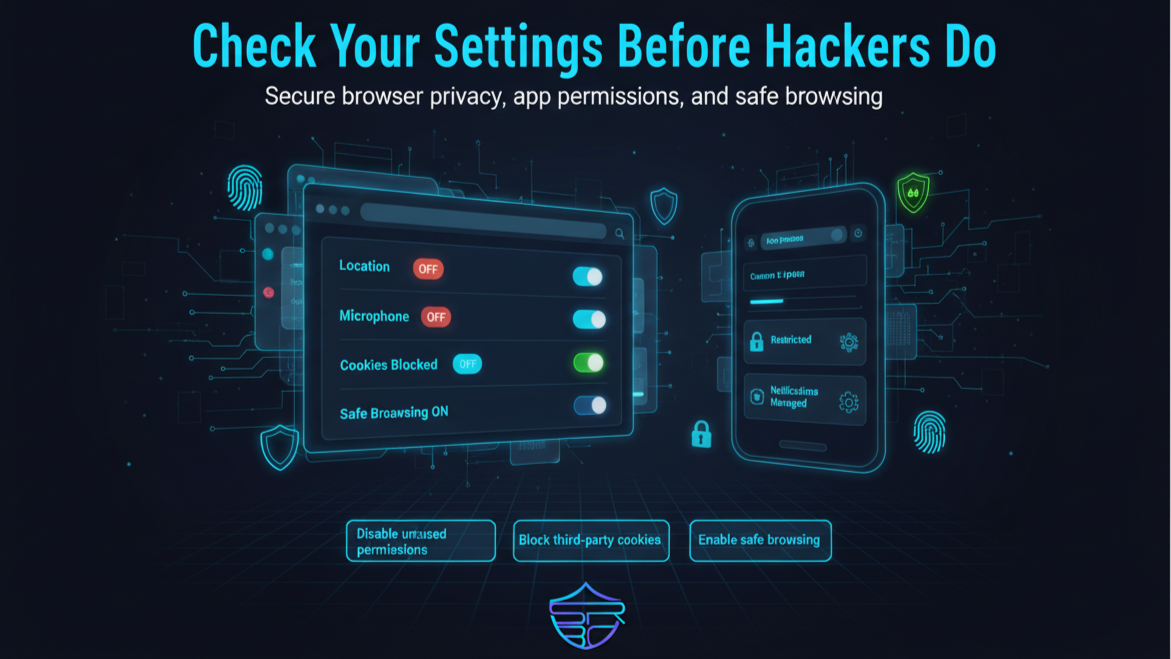
Browser and app settings are often the first line of defense for your privacy and digital safety.
Many users install browsers and mobile apps but never review the default settings. This can leave location access, microphone, camera, notifications, cookies, and saved credentials open for unnecessary exposure.
A few quick changes can greatly improve your security.
🔐 Key Settings to Review
- Disable location access for apps that do not need it
- Turn off microphone and camera permissions for unused apps
- Block third-party cookies in your browser
- Enable Safe Browsing / Enhanced Protection
- Disable auto-downloads from unknown websites
- Review browser notification permissions
- Remove unused browser extensions and apps
- Turn off password auto-save on shared devices
🛡️ Why It Matters
Incorrect settings can expose:
- browsing activity
- personal conversations
- camera and microphone access
- device location
- saved account sessions
- login credentials
Cybercriminals often exploit weak permissions and unsafe browser defaults to collect information or launch phishing and malware attacks.
✅ ASRBD Security Tip
Take 5 minutes every week to review your browser and app permissions.
Good cybersecurity is not only about tools — it also depends on smart settings and privacy habits.
Stay aware. Stay protected. Stay cyber safe.
Follow ASRBD for daily cybersecurity awareness throughout the 30 Days Campaign.