Browser Security — Clear Cookies & Block Trackers
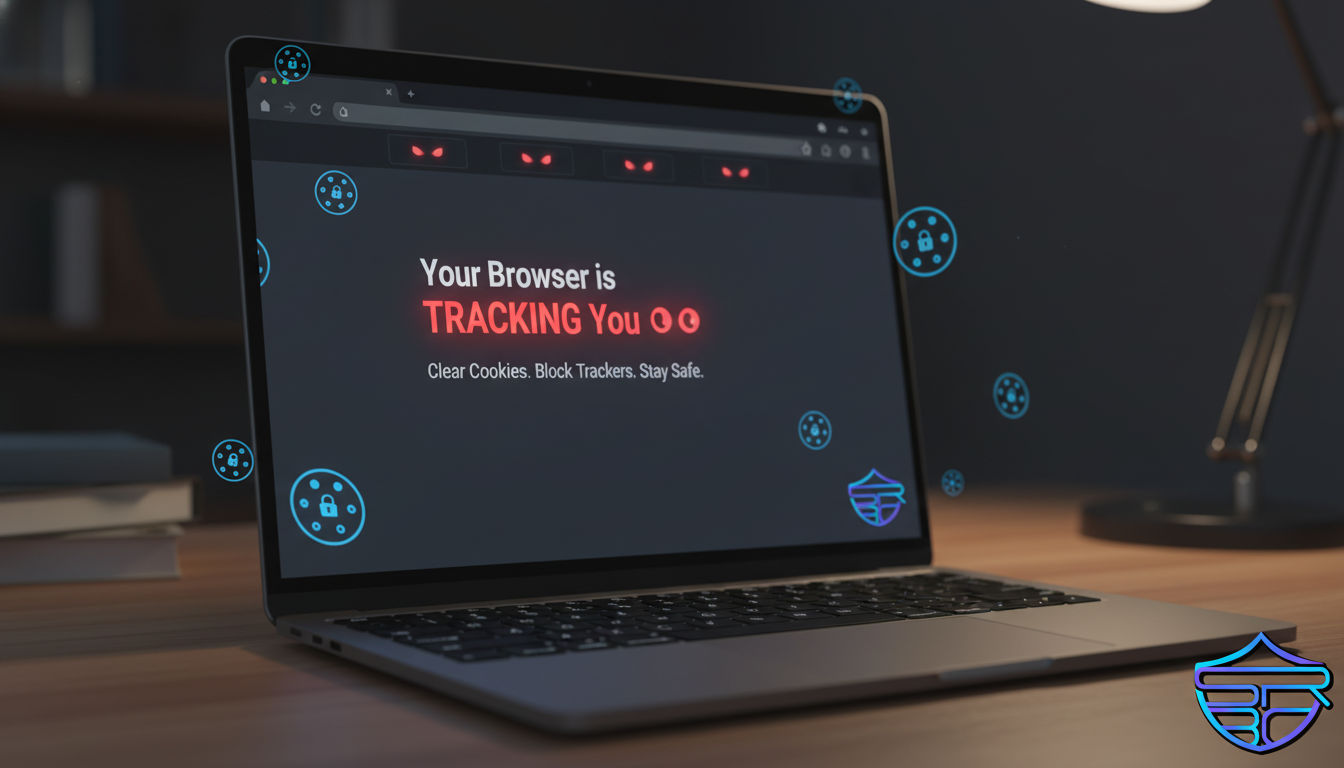
🚨 Your Browser Is Watching You
Your browser stores more data about you than you think.
Every website you visit leaves traces through cookies, trackers, and scripts. While some are useful, many are designed to monitor your behavior — and even expose you to cyber threats.
⚠️ What Happens Behind the Scenes?
When you browse:
- Cookies store login sessions and preferences
- Trackers follow your activity across websites
- Scripts analyze your behavior in real time
This data can be used to:
- Build detailed profiles about you
- Launch targeted phishing attacks
- Deliver malicious advertisements
🎯 Real Risk Scenario
You search for a product →
Visit multiple websites →
Trackers log your activity →
You see a “perfect” ad →
You click and enter your details →
💥 Your data is compromised
🛡️ How to Secure Your Browser
1. Clear Cookies Regularly
Removes stored tracking data and session info.
2. Use Privacy Extensions
Install:
- Ad blockers
- Tracker blockers
- Script control tools
3. Use a Secure Browser
Choose browsers with built-in privacy protection.
4. Disable Third-Party Cookies
Prevents cross-site tracking.
5. Always Check HTTPS
Avoid entering sensitive data on non-secure websites.
💡 ASRBD Insight
Your browser is your first line of defense.
Many attacks today happen through:
- Malicious ads
- Hidden scripts
- Tracking-based targeting
🔥 Final Thought
You don’t need to be hacked directly.
Sometimes, attackers watch, learn, and then strike.
📣 Call to Action
- Clear your browser cookies today
- Install a privacy extension
- Share this article to spread awareness
🔐 Stay safe with ASRBD