Day 26 - Security Checkup
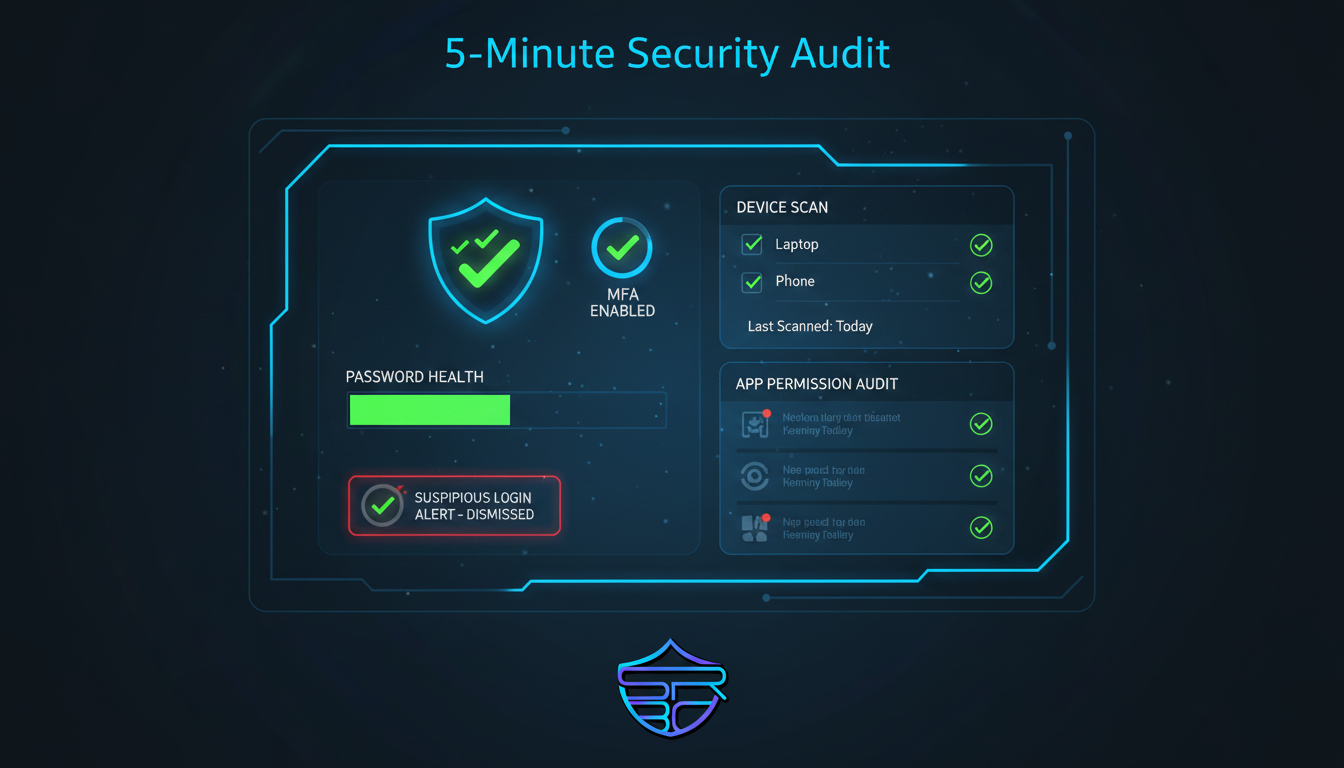
A secure digital life requires more than strong passwords. Regular security checkups help identify weak points before attackers can exploit them.
Why Security Checkups Matter
Cybercriminals often target:
- weak or reused passwords
- disabled MFA
- forgotten logged-in sessions
- outdated devices
- risky third-party app permissions
- exposed recovery information
A quick monthly review can dramatically reduce the risk of account compromise.
Your 5-Minute Monthly Security Checkup
Follow this checklist every month:
1) Review Password Health
Check for:
- reused passwords
- weak passwords
- old passwords
- leaked credentials
Use a trusted password manager whenever possible.
2) Confirm MFA Protection
Make sure MFA is enabled for:
- social media
- banking
- cloud storage
- work accounts
Authenticator apps are safer than SMS codes.
3) Update Devices and Apps
Install the latest updates for:
- operating system
- browsers
- mobile apps
- antivirus
- router firmware
Updates often patch critical security vulnerabilities.
4) Remove Unknown Devices
Check your account login sessions and sign out:
- old devices
- shared computers
- unknown browsers
- suspicious locations
5) Review Connected Apps
Remove apps and browser extensions you no longer use.
Unused third-party access can become a hidden security risk.
Key Takeaway
Security checkups turn cybersecurity into a habit.
Even 5 minutes each month can protect your identity, privacy, and accounts from common attacks.
Stay aware. Stay secure. Stay with ASRBD.