Day 23 - Incident Response Steps
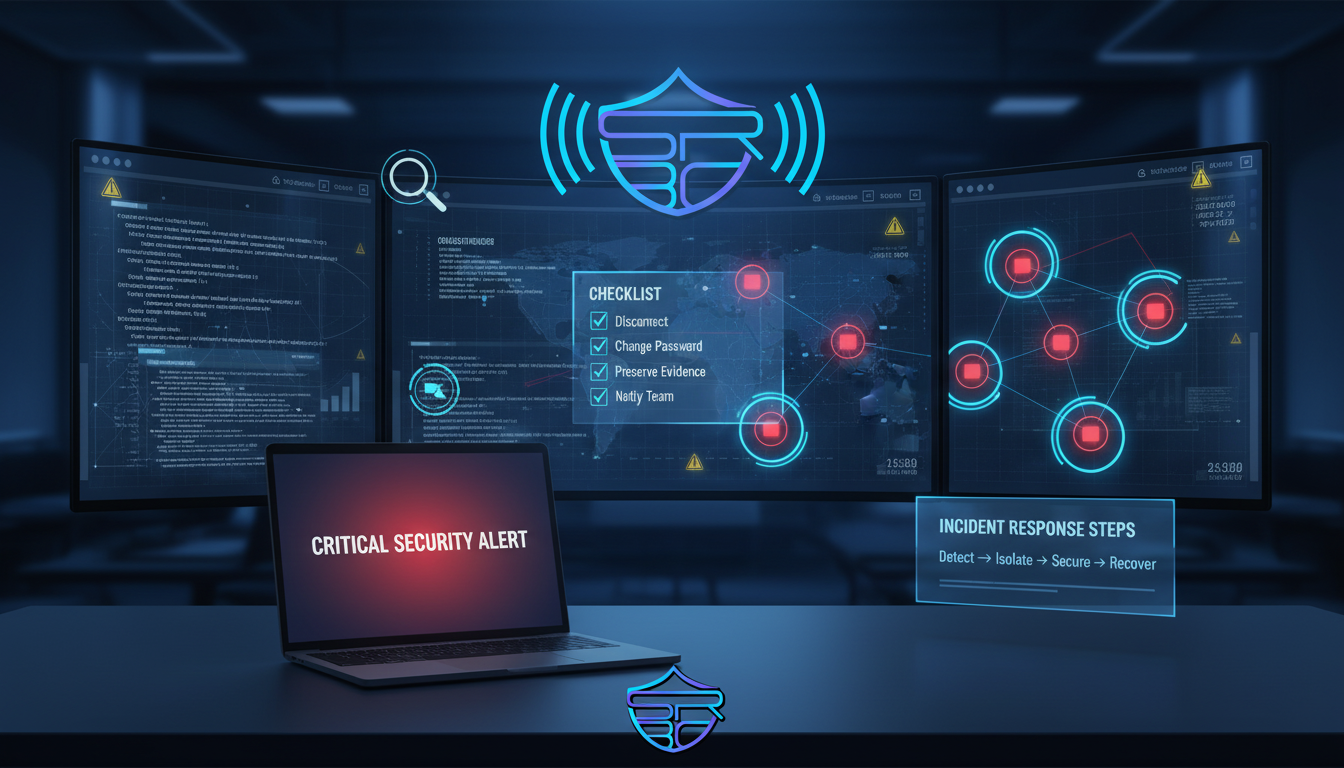
Cyber incidents can happen without warning. Whether it is malware, account compromise, phishing, or unauthorized access, the first few minutes of response are critical.
A fast and structured response can reduce damage, preserve evidence, and help restore systems safely.
Why Incident Response Matters
Many people panic after noticing suspicious activity. Panic often causes mistakes such as deleting files, shutting down systems too quickly, or ignoring warning signs.
A simple response plan helps you:
- Reduce attacker access
- Protect sensitive data
- Prevent lateral movement
- Preserve evidence
- Restore operations faster
Immediate Response Steps
1) Isolate the affected system
Disconnect the compromised device from Wi-Fi, LAN, Bluetooth, or cloud sync.
2) Change passwords safely
Use another trusted device to change critical passwords:
- Banking
- Social media
- Work accounts
- Cloud storage
3) Enable multi-factor authentication
MFA reduces the risk of repeated unauthorized access.
4) Review suspicious activity
Check:
- Login history
- Unknown devices
- New forwarding rules
- Recently installed apps
- Unusual file changes
5) Preserve evidence
Do not delete suspicious emails or logs. Save:
- Screenshots
- File hashes
- IP logs
- Timestamps
- Suspicious messages
6) Recover carefully
Before reconnecting:
- Run anti-malware scans
- Restore from clean backups
- Patch vulnerabilities
- Revoke active sessions
Key Takeaway
A fast response can stop a small cyber issue from becoming a major breach.
Detect early, isolate fast, secure accounts, and recover safely.
Stay aware. Stay prepared. Stay secure.
— ASRBD