Day 14 - Mobile Device Security
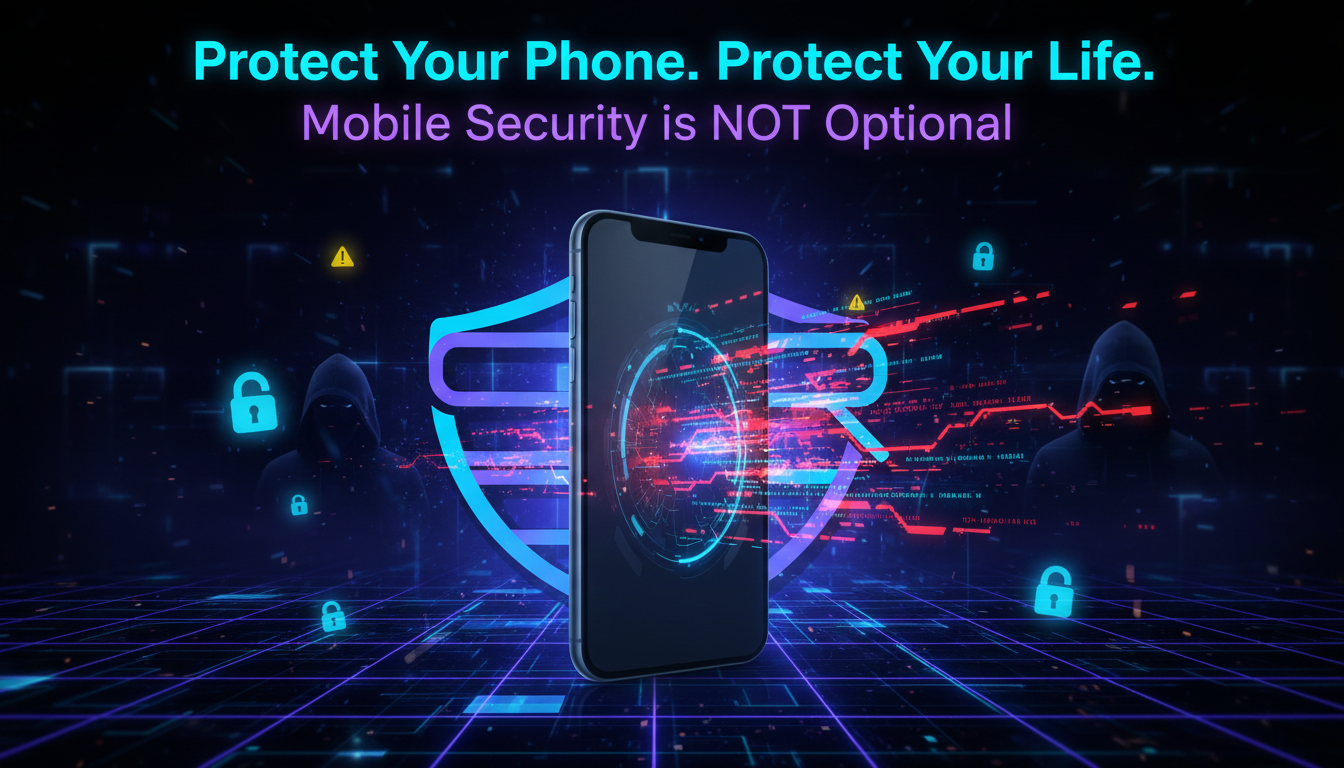
🔐 Day 13: Mobile Device Security
Smartphones are no longer just communication devices — they store our banking apps, emails, personal photos, social accounts, passwords, and identity data.
This makes mobile devices one of the top targets for cybercriminals.
A compromised phone can expose your private life, financial accounts, and even your workplace data.
📱 Why Mobile Security Matters
Cyber attackers often target phones through:
- Malicious apps
- Fake update prompts
- Public Wi-Fi attacks
- Bluetooth exploits
- Phishing SMS links
- Excessive app permissions
Because we use phones everywhere, many people forget basic security habits.
🛡️ How to Secure Your Mobile Device
Follow these essential protection steps:
✅ 1) Install Apps Only from Trusted Stores
Only use official sources like Google Play Store or Apple App Store. Avoid APK files from unknown websites.
🔄 2) Keep Your Device Updated
System updates fix critical security vulnerabilities. Enable automatic updates whenever possible.
🔐 3) Use Strong Screen Locks
Protect your phone with:
- PIN
- Strong password
- Fingerprint
- Face unlock
This helps protect your data if the phone is lost or stolen.
🌐 4) Be Careful with Public Wi-Fi
Avoid logging into banking or important accounts over open Wi-Fi. Attackers can intercept traffic on insecure networks.
📲 5) Review App Permissions
Check what your apps can access:
- Camera
- Microphone
- Contacts
- Location
- Files
Remove unnecessary permissions immediately.
📡 6) Disable Unused Bluetooth & Location
Leaving Bluetooth or GPS enabled all the time increases tracking and attack risks.
🚨 Red Flags to Watch
Be cautious if your phone shows:
- Fast battery drain
- Unknown apps installed
- Overheating without reason
- Excessive pop-ups
- Sudden data usage spikes
- Unusual account logins
These may indicate malware or spyware.
🎯 Final Advice
Your phone is your digital identity hub.
A few simple habits can prevent major risks:
- Update regularly
- Avoid unknown apps
- Lock your screen
- Limit permissions
- Use secure internet connections
Small steps today can prevent big breaches tomorrow.
Stay safe online.
Stay protected with ASRBD.
Follow ASRBD for daily cybersecurity awareness posts.